Apple Notes, backlinked planner.
The planner that remembers what you've written. Events sync to Calendar. Todos sync to Reminders. Backlinks underneath every note. No migration, no markdown, no cloud.
Today · Fri Apr 25
Three things today. Ship the spec for , run on pricing, draft the deck for the board.
Bring the spec doc. Walk Diego through the pricing model first, then Aisha on the onboarding flow.
Things to handle:
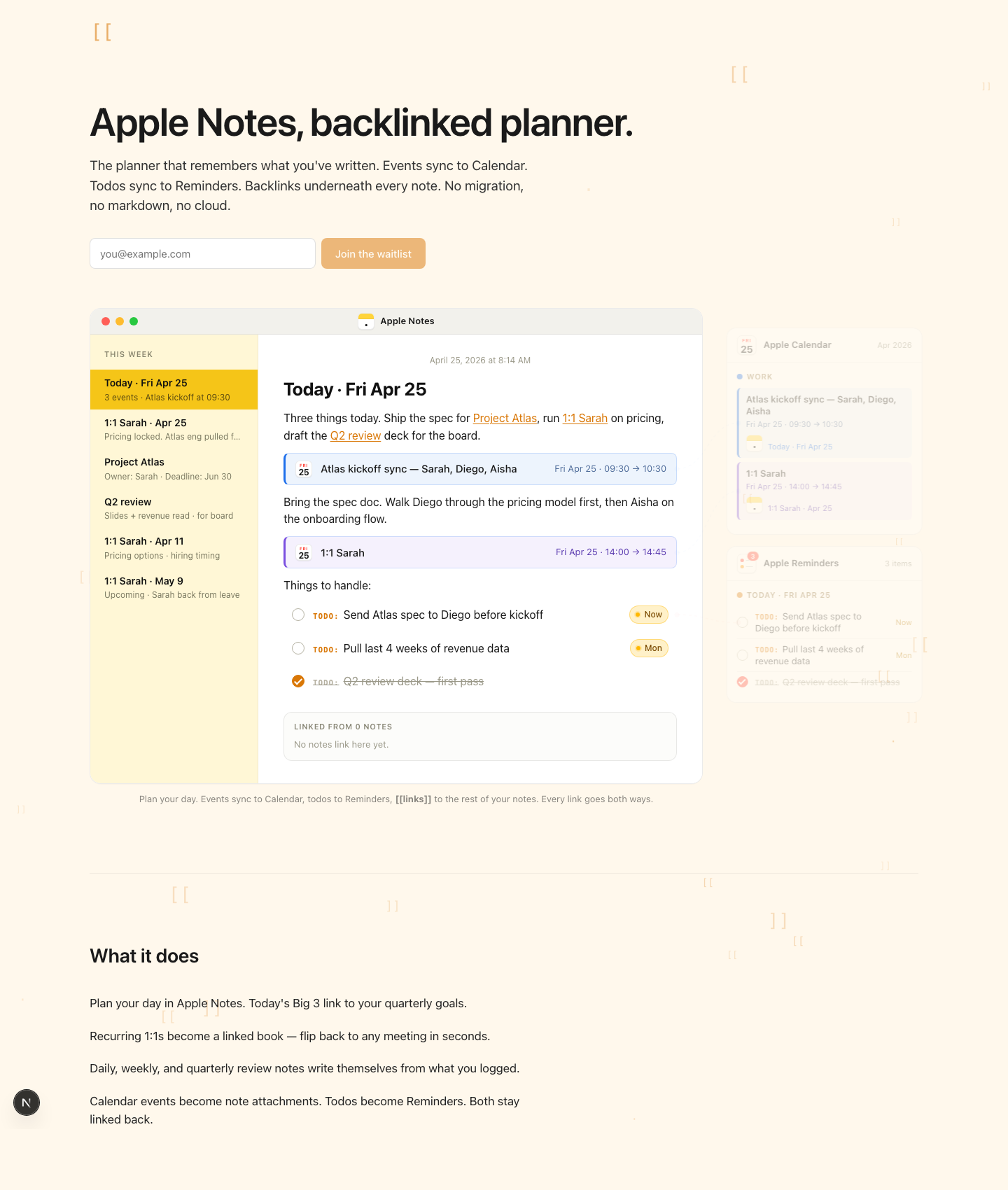
Plan your day. Events sync to Calendar, todos to Reminders, [[links]] to the rest of your notes. Every link goes both ways.
What it does
A planner, a wiki, and an AI search bar, all living inside the Apple Notes you already have.
Plan your week
- Today's Big 3 link to your quarterly goals.
- Recurring 1:1s become a flippable linked book.
- Daily, weekly, quarterly reviews write themselves from what you logged.
Connect your notes
- Type
[[to link any note to any other. - Backlinks appear at the bottom of every target. No plugin, no setup.
- Type
@for people, dates, or events.
Zero-latency back
- Click any link and the way back is already written for you.
- The daemon pre-caches a “Go back” line into every target before you click.
- Wiki-style browsing. No round-trip, no waiting.
Bridge to Apple
- Calendar events become note attachments. Both ways.
- Todos sync to Apple Reminders. Both stay linked back.
- Works on every folder you already have. No migration, no cloud.
Own the markdown
- Every note mirrors to a
.mdfile on disk. Edit either side, both stay in sync. - Plain markdown, plain folder. Grep it, git it, sync it through Dropbox.
- The Apple Notes you write in. The files you keep.
Search and extend
- Ask questions across every note. Answers run locally on your Mac.
- Type
/to ask the AI in plain English, anywhere in a note. - Plug your notes into Claude, Codex, or any MCP-aware agent.
Five years from now
One-time purchases age into pennies. Subscriptions don't. Here's what each tool costs over five years, paid as advertised.
Obsidian and ProNotes have free tiers. Both ask you to leave Apple Notes behind, or to drop AI search. notesmesh keeps both. Full comparison
See pricing details →